Introduction
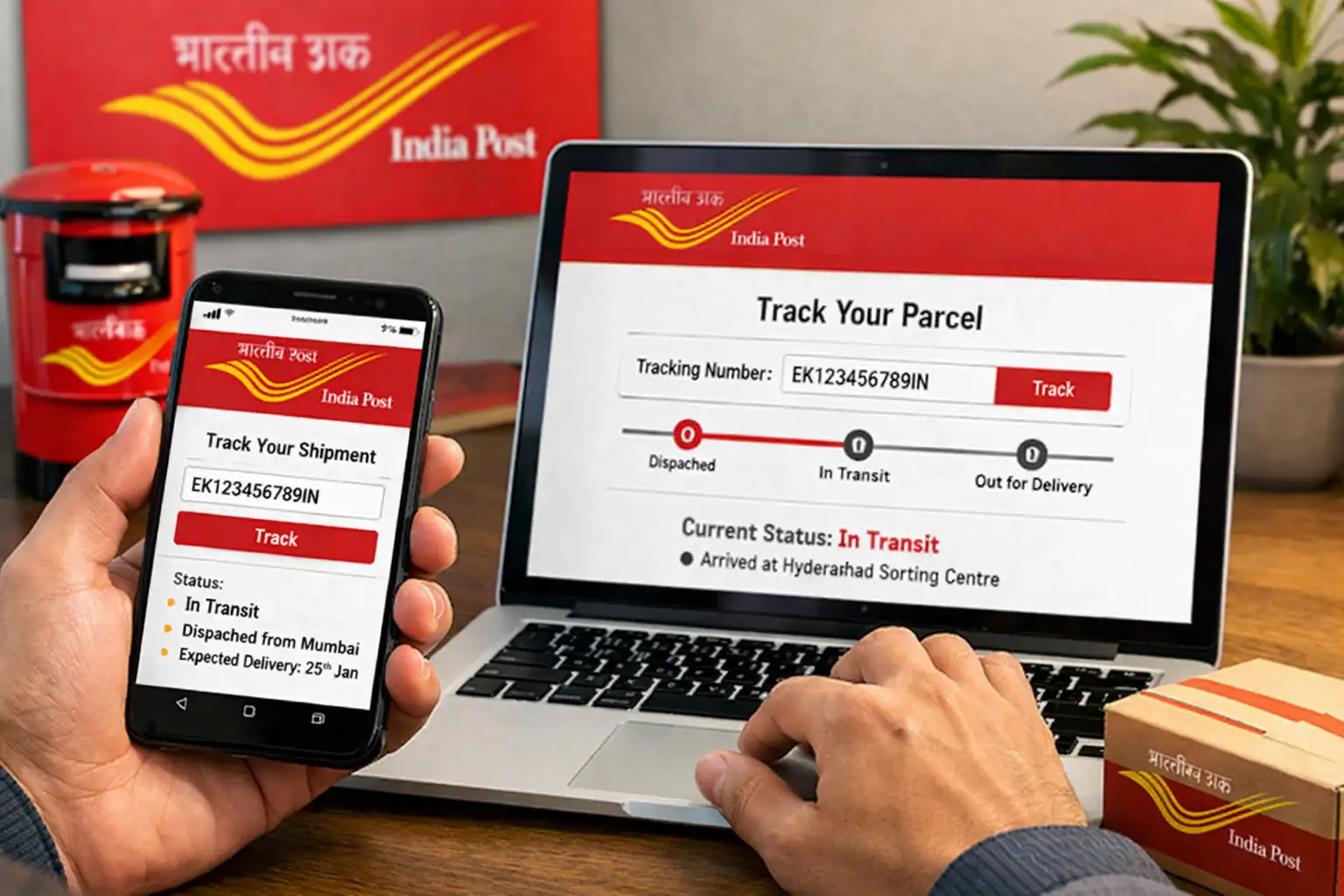
Whether you are waiting for an important government document, an e-commerce order, or a parcel from a friend or family member, knowing how to track India Post is an essential skill in 2026. India Post handles millions of shipments every day across more than 1.5 lakh post offices in the country, making it the largest postal network in the world.
The good news is that India Post online tracking has become very simple and takes just a few seconds. In this guide, we will walk you through the complete process of tracking your India Post consignment — from finding your tracking number to understanding every status update you see on the tracking page.
What You Need Before You Start
To track India Post successfully, you need just one thing — your India Post tracking number (also called the consignment number or article number). This is a 13-character alphanumeric code in the format: XX123456789IN (2 letters + 9 digits + 2 letters ending in IN).
You can find this number on your post office booking receipt. If you have not booked the item yourself, you can request the tracking number from the sender.
How to Track India Post — Step by Step
- Go to Track India Post: Visit myspeedpost.org on your phone or computer. The tracking tool is right on the homepage.
- Enter Your Tracking Number: Type or paste your 13-character India Post tracking number into the search box. For example: EA123456789IN or RA987654321IN.
- Tick the Checkbox: Click the "I'm not a robot" checkbox to confirm you are a human user. This protects the service from bots.
- Click Track Now: Press the red "Track Now" button. The system will instantly fetch your shipment data from India Post's official tracking database.
- Read Your Results: You will see the current status, current location, origin and destination details, and a complete timeline of every scan point your parcel has passed through.
💡 Pro Tip: You can also track multiple India Post consignments at once. Click "Track Multiple Consignments" on the homepage, enter up to 10 tracking numbers (one per line), and track them all simultaneously.
Understanding Your India Post Tracking Results
Once you track your India Post parcel, you will see a tracking timeline with status updates. Here is what each common status means:
| Status | What It Means |
|---|---|
| Item Booked | Your article has been accepted at the post office and entered into the system. |
| Bag Closed / Dispatched | Your parcel has been packed and sent from the origin post office. |
| Item Received | Parcel has arrived at a sorting hub or distribution centre on its journey. |
| In Transit | Your parcel is moving between post offices via road, rail, or air. |
| Out for Delivery | The postman has your parcel and will deliver it to your address today. |
| Item Delivered | Successfully delivered. Your India post delivery tracking is complete. |
| Delivery Failed | The postman attempted delivery but could not find anyone at home. A delivery notice will be left. |
| Item Returned | The parcel is being sent back to the sender after failed delivery attempts. |
How Long Does India Post Take to Update Tracking?
India Post updates its tracking data at every major checkpoint — when the parcel is booked, when it reaches a sorting hub, when it is dispatched, and when it is delivered. However, the frequency of updates depends on the service type:
- Speed Post: Updates very frequently — typically every few hours as the parcel moves through hubs. Most Speed Post parcels show 5 to 10 scan events during their journey.
- Registered Post: Fewer updates — usually shows booking, arrival at destination office, and delivery. Sometimes there are no transit events visible in between.
- Ordinary Parcel: Minimal tracking — may only show booking and final delivery without intermediate events.
What to Do If Tracking Shows "Not Found"
If you enter your tracking number and see "Not Found", do not panic. This usually happens for one of these reasons:
- The parcel was just booked and the system has not updated yet — wait 2 to 4 hours and try again.
- The tracking number was written down incorrectly — double-check each character carefully, especially letters that look like numbers (O vs 0, I vs 1).
- The post office staff has not scanned the article into the system yet — this sometimes happens at smaller post offices.
If "Not Found" persists for more than 24 hours after booking, visit your post office with the receipt and ask them to confirm the tracking number.
Tips for Faster India Post Tracking
- Always save your post office receipt until the parcel is delivered — it has the tracking number and proof of booking.
- For Speed Post, the tracking number starts with EA, EB, or EC. For Registered Post it starts with RA, RB, or RC.
- Use our bulk tracking tool if you are a seller or business shipping multiple parcels every day.
- If your parcel shows "Out for Delivery" but is not delivered by evening, contact your local post office the same day.
- For important documents sent by Speed Post, you can also call India Post customer care at 1800-11-2011 (toll-free) with your tracking number.
Ready to Track Your Parcel?
Enter your India Post tracking number and get real-time delivery updates instantly — free of charge.
🔍 Track India Post NowConclusion
Tracking your India Post consignment is quick, easy, and completely free using myspeedpost.org. Whether you are tracking a Speed Post letter, a Registered Post packet, or an Express Parcel, the process is the same — enter your 13-character tracking number and click Track Now. You will instantly see where your parcel is and when it is likely to be delivered.
Bookmark this page for easy access next time you need to track India Post — and share it with friends and family who are waiting for their parcels too.